
Description
Your keys, on a dedicated device.
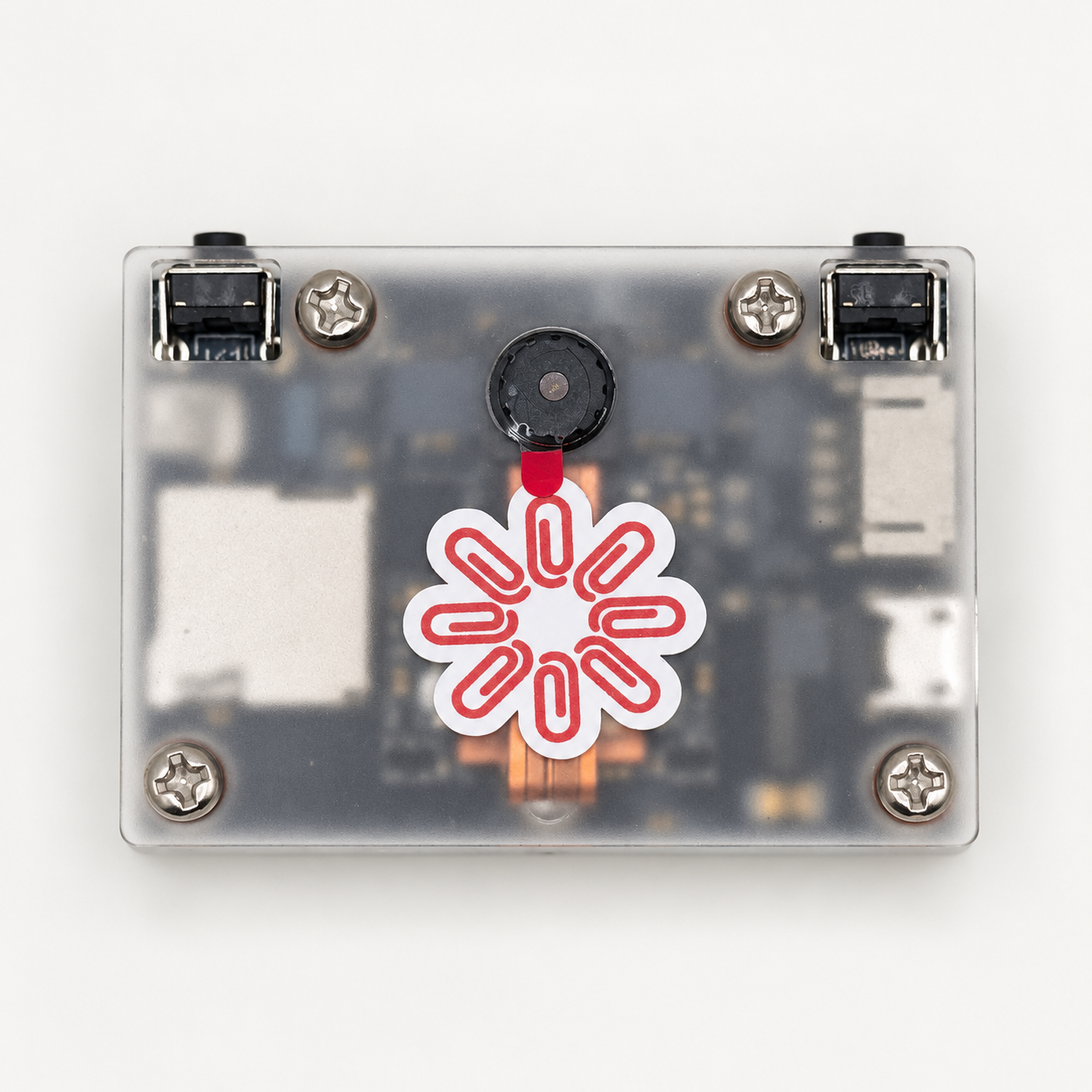
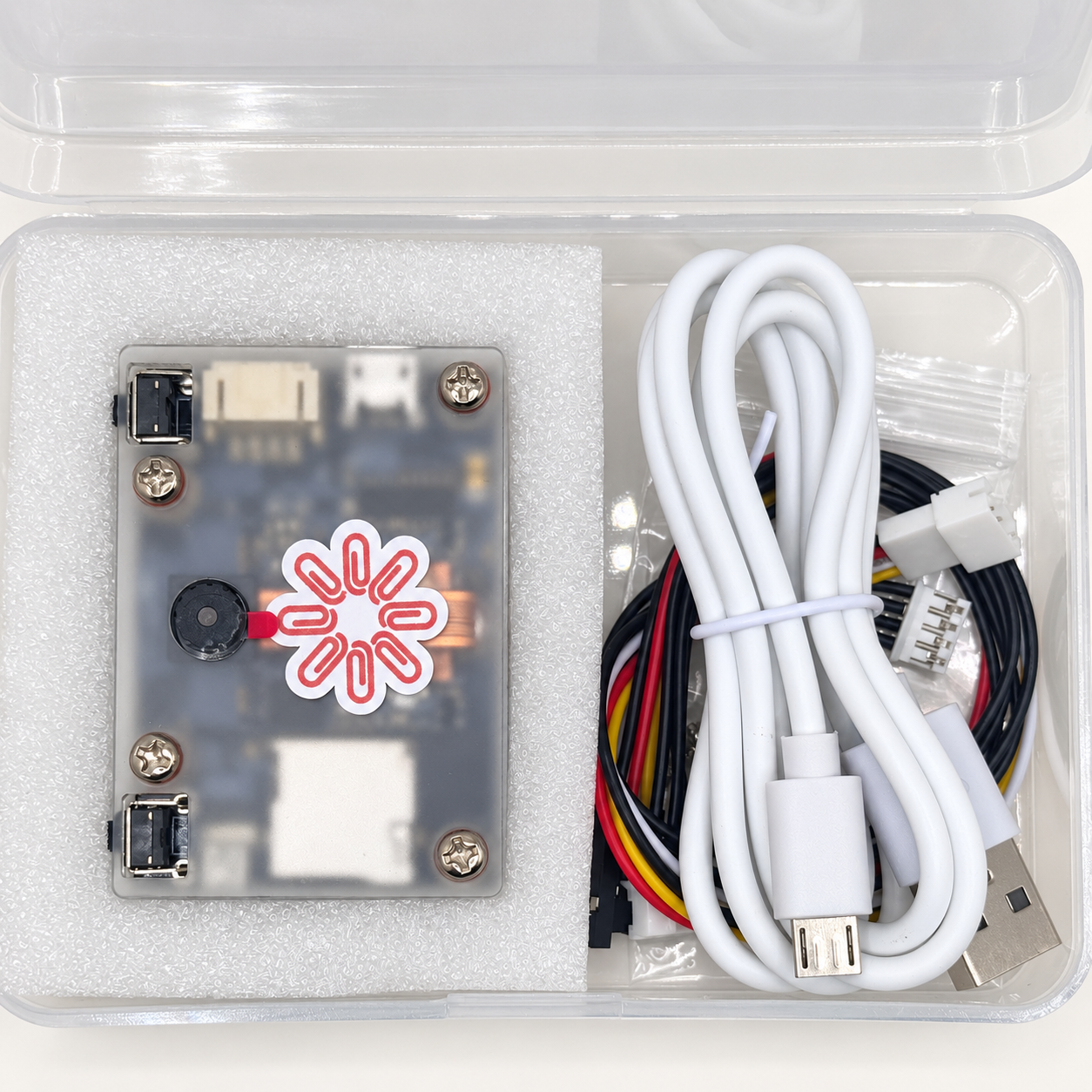
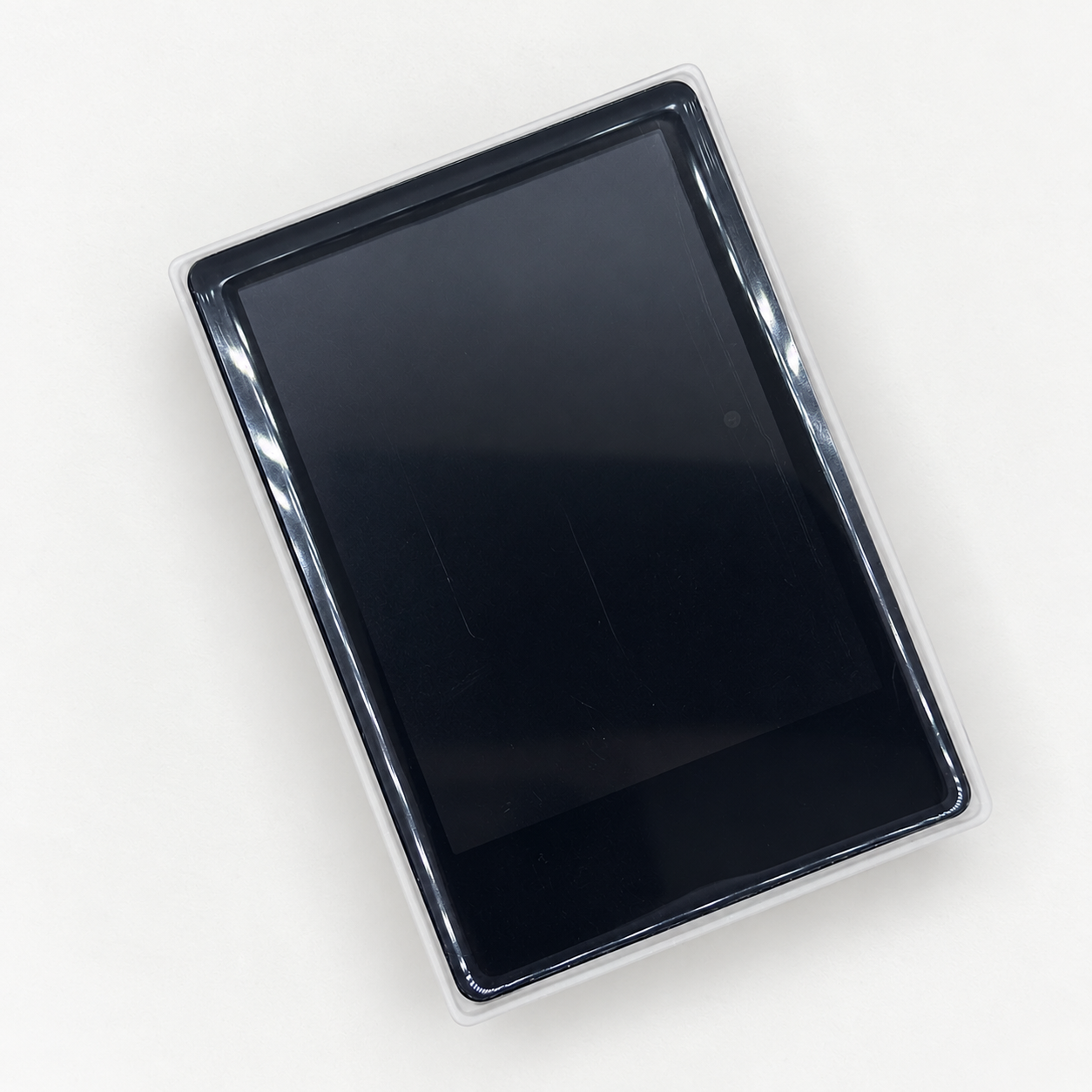
The K210 Krux Hardware Wallet brings Paperclip’s Bitcoin (XBT) signing software to Yahboom K210 hardware. Review and sign transactions on the device while a compatible wallet on your computer or phone prepares and broadcasts payments.
Built around an offline signing workflow
- No wireless hardware. These models have no Wi-Fi or Bluetooth hardware and can be used completely air-gapped. Review and sign transactions offline using QR codes or microSD, and power the device from a USB power bank or wall adapter.
- Review before signing. Krux presents transaction destinations, amounts, change, and fees for your approval.
- QR and microSD transaction exchange. The firmware supports importing and exporting partially signed Bitcoin transactions (PSBTs), so signing does not require giving your wallet application the device’s private keys.
- Bitcoin (XBT) compatibility. Paperclip’s firmware requires unified-sighash transactions and rejects incompatible signing requests rather than silently switching modes.
- Open-source foundation. Built on Krux, with Paperclip’s compatibility changes available for inspection.
How it works
- Prepare a payment in a compatible Bitcoin (XBT) coordinator wallet.
- Transfer the unsigned transaction to Krux using a supported QR or microSD workflow.
- Review the transaction on the device and approve signing.
- Return the signed transaction to the coordinator, which finalizes and broadcasts it.
A compatible coordinator must explicitly request unified ALL signatures on every input. Compatibility with a particular phone app or desktop wallet should be checked before use.
Companion desktop wallet
Shrike by privkeyio supports Bitcoin (XBT) transaction preparation and broadcasting with an offline PSBT signing workflow. Configure your hardware-wallet keystore for unified signatures, then use your Paperclip Krux to review and sign transactions offline.
Device and firmware
- Hardware platform: Yahboom K210.
- Firmware: Paperclip’s unofficial adaptation of Krux for Bitcoin (XBT).
- Intended use: offline transaction review and signing.
- Updates: Firmware updates require manual flashing; updating firmware from an SD card is not supported by this build.
Before you use it
Create your own wallet and keep an independent recovery backup. Never rely on the device or an SD card as your only backup. Krux’s encrypted mnemonic storage is not a claim of secure-element protection or resistance to physical key extraction.
What is included
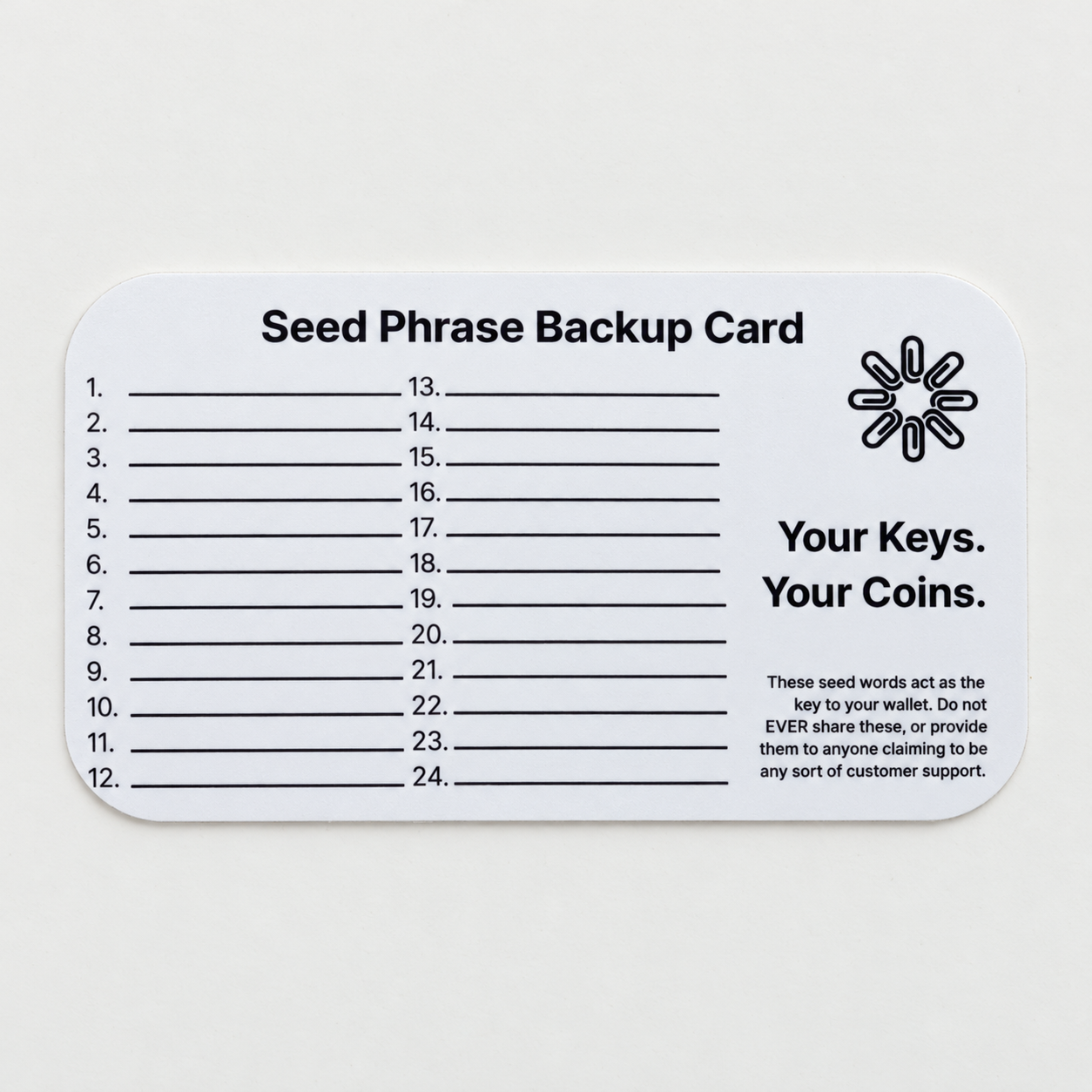
Each wallet comes with a blank Paperclip seed phrase backup card, with space for up to 24 words, for recording your recovery backup.
Create your own seed phrase and write your backup privately. The included card is blank; no seed phrase is supplied.
Open source and attribution
View Paperclip’s Krux source and compatibility documentation. This is an unofficial adaptation of Krux, not an official Krux product or endorsement by the upstream developers.

Reviews
There are no reviews yet.